

MDM, MAM, UEM the mobile-security acronyms pile up fast, and they are not interchangeable. Each solves a genuinely different problem, and choosing the wrong one means either over-managing employee devices or leaving corporate data exposed. Add Apple Business Manager into the mix and it is easy to lose track of what does what.
At Wireless Experts, we work alongside all of these tools while managing the wireless services underneath them. This guide clearly defines Mobile Device Management, Mobile Application Management, and Unified Endpoint Management, explains where Apple Business Manager fits, how MDM works with carriers, and how a lost or stolen device is handled when it is properly managed.
What MDM Is and Whether You Need It
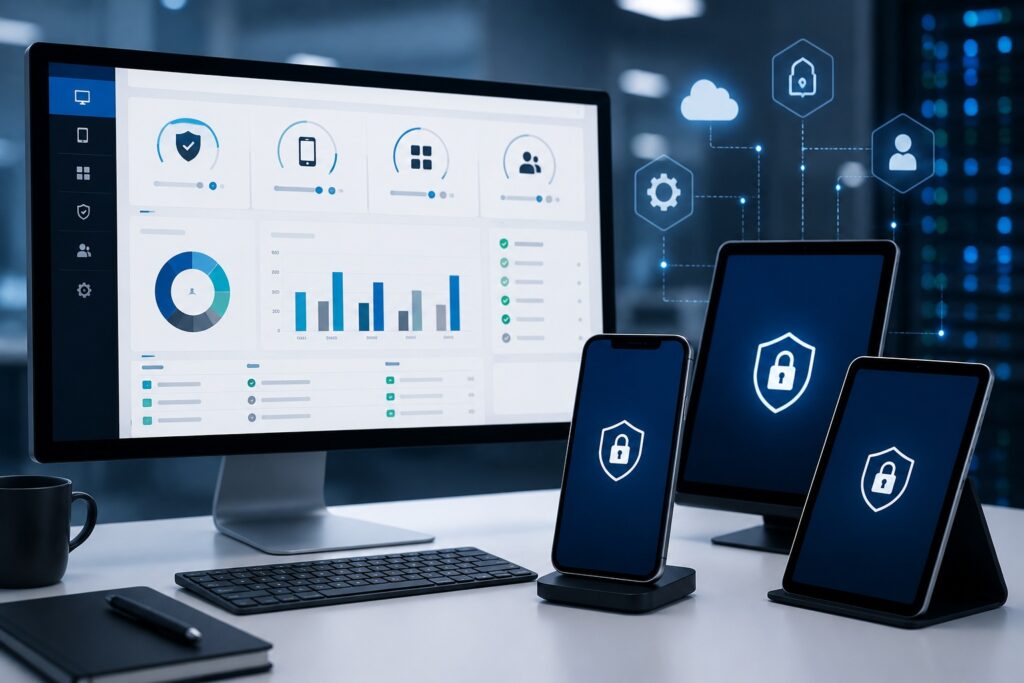
Mobile Device Management is a centralized platform for securely deploying, configuring, monitoring, and managing smartphones, tablets, and other devices from one administrative console. For organizations with dozens or thousands of devices, it lets administrators remotely enforce security policies, deploy applications, configure email and Wi-Fi, monitor compliance, and lock or wipe lost or stolen devices.
Whether you need it depends on your device count, the sensitivity of your data, and your security requirements. Organizations with multiple employees, remote workers, field teams, or regulated data generally benefit substantially, because MDM centralizes control while reducing IT workload. Very small organizations with a handful of devices may not need a full platform, but any company that depends on mobile connectivity for daily operations should evaluate it as part of a broader mobility and security strategy.
MDM vs. MAM vs. UEM: The Real Differences
These three are frequently mentioned together but solve different problems. Mobile Device Management manages the entire device configuring security settings, deploying applications, enforcing encryption, and remotely locking or erasing corporate devices.
Mobile Application Management protects business applications and corporate data without necessarily managing the whole device. It is commonly used in BYOD environments, securing company apps while leaving personal content alone. Unified Endpoint Management extends beyond phones and tablets to laptops, desktops, wearables, and other endpoints from a single platform combining device management, application management, policy enforcement, security, and reporting.
We work alongside all three, optimizing wireless services, carrier relationships, inventory, and expense management so you get strong mobility governance and cost-effective operations together. The right choice depends on whether you need to manage devices, just the apps on them, or your entire endpoint estate.
Apple Business Manager and How MDM Works With Carriers
Apple Business Manager is Apple’s web-based platform for deploying, enrolling, and managing Apple devices at scale. It works alongside an MDM solution to automate enrollment, assign devices to users, distribute applications, and configure settings without manual setup on each device. Devices purchased through Apple or authorized resellers can enroll into your MDM automatically, so employees start working with minimal IT involvement. For businesses with substantial Apple deployments, this significantly reduces deployment time while improving security and control.
MDM and carriers perform complementary but distinct roles. The carrier provides connectivity voice, text, and data. MDM manages the devices themselves configuring, enforcing policy, deploying applications, and controlling devices when necessary. Neither substitutes for the other. Expense management then adds the financial layer, confirming you are on the most appropriate carrier plans and maintaining visibility into both device administration and monthly spend.
When a Device Is Lost or Stolen
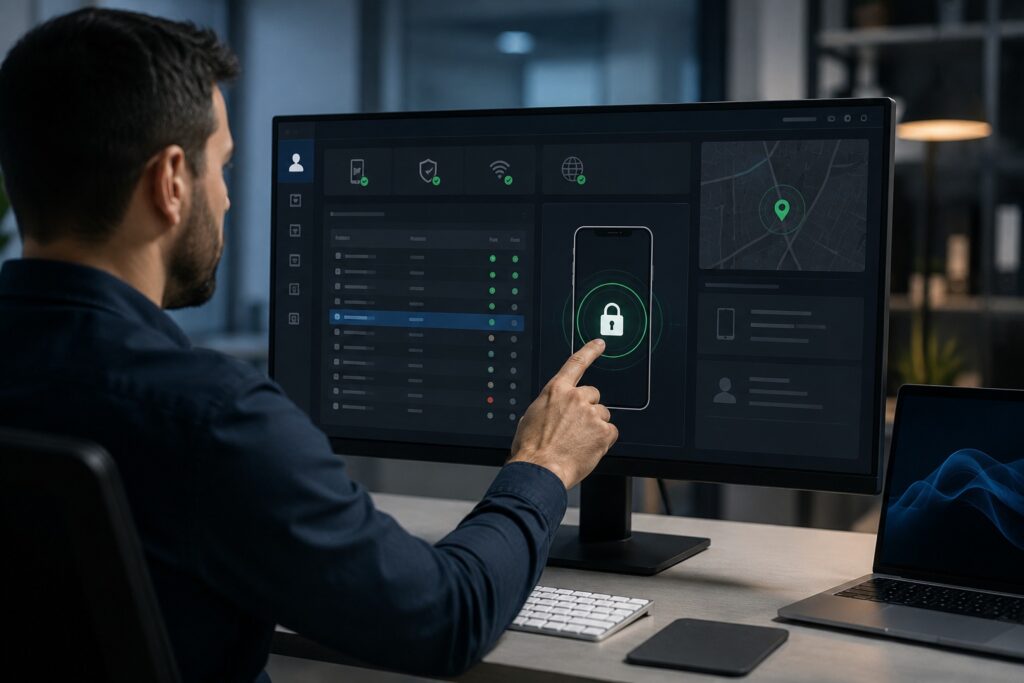
The priority is protecting sensitive information before anyone can access it. An unmanaged device can expose corporate email, business applications, confidential files, and customer data. When a device is enrolled in MDM, IT can respond the moment it is reported missing remotely locking it, cutting access to corporate resources, and monitoring its status from a centralized console. The wireless carrier can also suspend the line to prevent unauthorized usage.
If the device is unrecoverable, IT can remotely erase company data entirely. Depending on the deployment model, that may mean wiping a corporate-owned device completely or removing only corporate applications and data from an employee-owned device in a BYOD program, leaving personal content untouched. Speed matters, which is why clear reporting procedures for lost devices are essential with proper management in place, a lost phone becomes a manageable security event rather than a costly data breach.
Frequently Asked Questions
What Is Mobile Device Management (MDM)?
Mobile Device Management is a centralized platform for securely deploying, configuring, monitoring, and managing smartphones, tablets, and other mobile devices from one administrative console. For organizations with dozens or thousands of devices, it lets administrators remotely enforce security policies, deploy applications, configure email and Wi-Fi settings, monitor compliance, and lock or wipe lost or stolen devices.
From a wireless management perspective, MDM complements expense management by keeping devices properly configured, secure, and compliant across their lifecycle. It maintains consistent security standards while reducing the administrative load on internal IT.
Paired with effective account management, MDM gives you control over both the devices and the services attached to them — improving security, streamlining onboarding, simplifying administration, and protecting corporate data without interfering with employee productivity.
Do I Need MDM for My Company’s Phones?
It depends on your device count, the sensitivity of your business data, and your security requirements. Organizations with multiple employees, remote workers, field teams, or regulated data generally benefit substantially, because MDM centralizes control over corporate devices while reducing IT workload. Administrators can remotely configure devices, enforce password policies, deploy business applications, and respond immediately if a device goes missing.
For a growing mobile workforce, MDM also improves efficiency by standardizing setup and cutting manual configuration. Combined with professional expense management, you gain visibility into both device administration and wireless cost.
Very small organizations with a handful of devices may not need a full MDM platform. But any company that depends on mobile connectivity for daily operations should evaluate it as part of a broader mobility and security strategy.
What Is Apple Business Manager and How Does It Work?
Apple Business Manager is Apple’s web-based platform for deploying, enrolling, and managing Apple devices at scale. It works alongside an MDM solution to automate enrollment, assign devices to users, distribute applications, and configure settings without manual setup on each device. Devices purchased through Apple or authorized resellers can enroll into your MDM platform automatically, so employees can start working with minimal IT involvement.
It also lets administrators create Managed Apple Accounts, assign applications, purchase software licenses, and maintain consistent security policies organization-wide.
For businesses with substantial Apple deployments, this significantly reduces deployment time while improving security and administrative control. Integrated with MDM, Apple Business Manager provides a scalable approach to managing Apple devices from initial deployment through replacement or retirement.
How Does MDM Work With Wireless Carriers?
They perform complementary but distinct roles. Carriers provide connectivity — voice, text, and data service. MDM manages the devices themselves. Together they produce a secure, reliable, well-managed mobile environment.
The carrier delivers network access while the MDM platform remotely configures devices, enforces security policies, deploys applications, manages updates, and can lock or erase devices when necessary. Neither substitutes for the other.
Businesses typically integrate MDM into their broader wireless management strategy so devices stay compliant while employees stay connected. That coordination simplifies provisioning and speeds onboarding. Expense management then adds the financial layer — confirming you are on the most appropriate carrier plans, eliminating unnecessary cost, and maintaining visibility into both device administration and monthly carrier spend.
What Is Carrier-Coordinated Device Security?
Carrier-coordinated device security describes the combined efforts of wireless carriers, device manufacturers, and enterprise mobility tools such as MDM to protect corporate devices and business data. Carriers secure the network and provide services like SIM management, device activation, and fraud protection. MDM enforces security policies directly on managed devices through remote configuration, compliance monitoring, and device control.
Working together, these layers reduce the risks tied to lost devices, unauthorized access, outdated software, and inconsistent security settings. You can remotely lock or erase devices, require strong authentication, deploy security updates, and maintain visibility into compliance — without interrupting employee productivity.
For organizations managing large fleets, this coordination is a foundational part of enterprise mobility strategy, protecting sensitive information while keeping mobile communications reliable across the workforce.
How Do I Secure Corporate Data on Employee Phones?
Securing corporate data takes more than issuing company devices — it requires centralized visibility, enforced policy, and ongoing management. We recommend combining Mobile Device Management, Apple Business Manager, and carrier-coordinated security so IT can enforce policies, manage enrollment, monitor compliance, and identify users who have removed or never installed required MDM software.
A strong strategy includes passcode enforcement, encryption, secure Wi-Fi and VPN configuration, application management, and role-based access controls. Corporate devices should enroll in MDM from the moment they are deployed so security settings apply automatically rather than depending on anyone remembering.
Regular inventory audits and device record reconciliation matter just as much, confirming every phone is actually managed. Combining these tools with proactive administration substantially reduces data loss risk while simplifying day-to-day device management.
What Happens If a Corporate Phone Is Lost or Stolen?
The priority is protecting sensitive information before anyone can access it. An unmanaged device can expose corporate email, business applications, confidential files, and customer data. We recommend managing corporate devices through MDM and Apple Business Manager so IT can respond the moment a device is reported missing.
From a centralized console, IT can remotely lock the device, cut access to corporate resources, monitor its status, and apply additional measures per company policy. The wireless carrier can also suspend the line to prevent unauthorized usage.
Documented procedures requiring employees to report losses immediately are essential — response speed determines exposure. With proper management in place, a lost phone becomes a manageable security event rather than a costly data breach.
Can a Lost Corporate Device Be Wiped Remotely?
Yes. When a device is enrolled in an MDM platform, IT administrators can remotely erase company data if it is lost, stolen, or unrecoverable. This is one of the strongest arguments for enrolling devices from day one rather than after an incident.
Remote wipe prevents unauthorized users from reaching confidential business information. Depending on your deployment model, IT may erase an entire corporate-owned device or remove only corporate applications and business data from an employee-owned device in a BYOD program — leaving personal content untouched.
Speed matters, which is why clear reporting procedures for lost devices are essential. Combined with strong authentication, encryption, and automated enrollment, remote wipe is a critical safeguard that also helps meet internal security policies and regulatory expectations.
What Is the Difference Between MDM, MAM, and UEM?
These are frequently mentioned together but solve different problems.
Mobile Device Management manages the entire device. Administrators configure security settings, deploy applications, enforce encryption, monitor compliance, and remotely lock or erase corporate devices.
Mobile Application Management protects business applications and corporate data without necessarily managing the whole device. It is commonly used in BYOD environments, securing company apps while leaving personal content alone.
Unified Endpoint Management extends beyond phones and tablets to laptops, desktops, wearables, rugged devices, and other endpoints from a single platform — combining device management, application management, policy enforcement, security, and reporting.
We work alongside all three, optimizing wireless services, carrier relationships, inventory, and expense management so you get strong mobility governance and cost-effective operations together.
How Do I Set Up Apple Business Manager for My Company?
Implementation usually begins by creating an Apple Business Manager account, verifying your organization, assigning administrator roles, and linking approved Apple resellers so newly purchased devices appear in your account automatically.
Next, integrate Apple Business Manager with your MDM platform. That connection enables Automated Device Enrollment, so iPhones, iPads, and Macs configure themselves when employees activate them. Administrators can then assign devices to departments, distribute apps through volume purchasing, create Managed Apple Accounts, and apply consistent security policies without touching each device. Apple recommends using ABM together with an MDM solution, since many enterprise capabilities depend on that integration.
We assist by coordinating wireless provisioning, carrier management, inventory tracking, and ongoing mobility administration so Apple deployments align with your broader wireless strategy.
Get Your Free Wireless Savings Audit
Ready to see what your organization could save? Wireless Experts offers a free, no-obligation wireless savings audit — a detailed, line-by-line review of your carrier invoices, rate plans, and usage. You keep your existing carrier, phone numbers, and devices, and there is no upfront cost. Contact us at wirelessexperts.us to request your free audit and savings report.